


How to Fix BattleEye Issues in Rainbow Six Siege
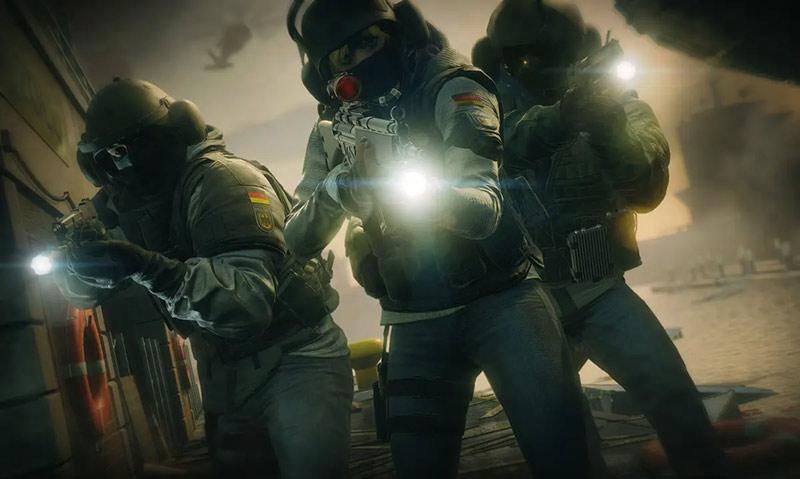
Rainbow Six Siege, developed by Ubisoft, is a widely acclaimed tactical shooter known for its intense strategic gameplay and immersive experience. Players from around the globe engage in this thrilling game, which requires quick reflexes and precise tactics. However, some players face issues with BattleEye, the anti-cheat system crucial for maintaining fair play. If you’re experiencing BattleEye problems, here are some solutions to help you get back into the game.
Fixing BattleEye Issues in Rainbow Six Siege
BattleEye is an essential anti-cheat system, but many players report frequent issues that significantly disrupt their gaming experience. We've gathered some effective solutions to help you resolve these problems.
Service Launch Issues:
If BattleEye (BE) fails to start, close the BE window first. Open Task Manager, switch to the 'Services' tab, and manually start the BEService. Then, try launching the game again.
Memory Corruption Error:
If the BE service runs but you receive a memory corruption error in-game, add the BE main executable to your antivirus whitelist. Locate your game directory (usually Tom Clancy's Rainbow Six Siege), open the BattleEye folder, find BEService_x64.exe, and add it to your antivirus whitelist.
For Steam users, go to your game library, find Rainbow Six Siege, right-click, select 'Properties', navigate to 'Local Files', and click 'Browse Local Files'. For Uplay users, go to Settings -> Downloads -> Default Game Installation Location. For Origin users, follow a similar process.
Advanced Troubleshooting:
If the above methods fail or BE service won't start, try this:
Run cmd as an administrator and enter sc delete beservice, then press Enter.
Directly run rainbowsix.exe from the game directory to reinstall the BE service. If successful, the game will start automatically.
If it still fails, delete the BattleEye directory and verify the integrity of the game files.
System Scan for Malware and Viruses:
Ensure your system is free of malware and viruses. Use antivirus software to perform a thorough scan and clean the system. Then, repeat Step 3. If necessary, run cmd as an administrator and execute sfc /scannow to check for system file integrity.
Addressing Network Lag in Rainbow Six Siege
In addition to BattleEye issues, many players frequently discuss lag and latency problems in forums. High ping and sudden game stutters have become a common concern. Although Rainbow Six Siege servers are known to be unstable at times, your personal network setup is often a significant cause of high ping. This might come as a surprise to some, but it's true.
Fortunately, you don't have to be troubled by this anymore. There are many intelligent tools available now, such as GearUP Booster, a game VPN that can automatically resolve network issues without the need to manually tweak complex network configurations. The less you have to manually adjust, the fewer problems you are likely to encounter. If you want a quick solution to network problems, give these tools a try.
Conclusion
We hope these solutions help you resolve BattleEye issues in Rainbow Six Siege and enhance your overall gaming experience. Whether you're dealing with BattleEye errors or network-related problems like high ping, taking the right steps can make a huge difference. Dive back into the action and enjoy the game without any technical disruptions.
 Turkish
 English
 Arabic
 French
 Spanish
 Portuguese
 Deutsch
 Dutch
Dutch
 Italiano
 Russian
 Romaian
 Portuguese (Brazil)
 Greek
Greek